
The recommendation loop, not a static chart
DialIQ learns from every shot, every bean, and every saved playbook.
Each recommendation blends your grinder profile, shot history, bean context, taste direction, and community guardrails. The result is a small, practical move that becomes more specific as the memory grows.
Grinder intelligence
Per-user memory
Playbooks
Advanced brewer mode
Community guardrails
BrewBase
Beans
Espresso
History
Chat
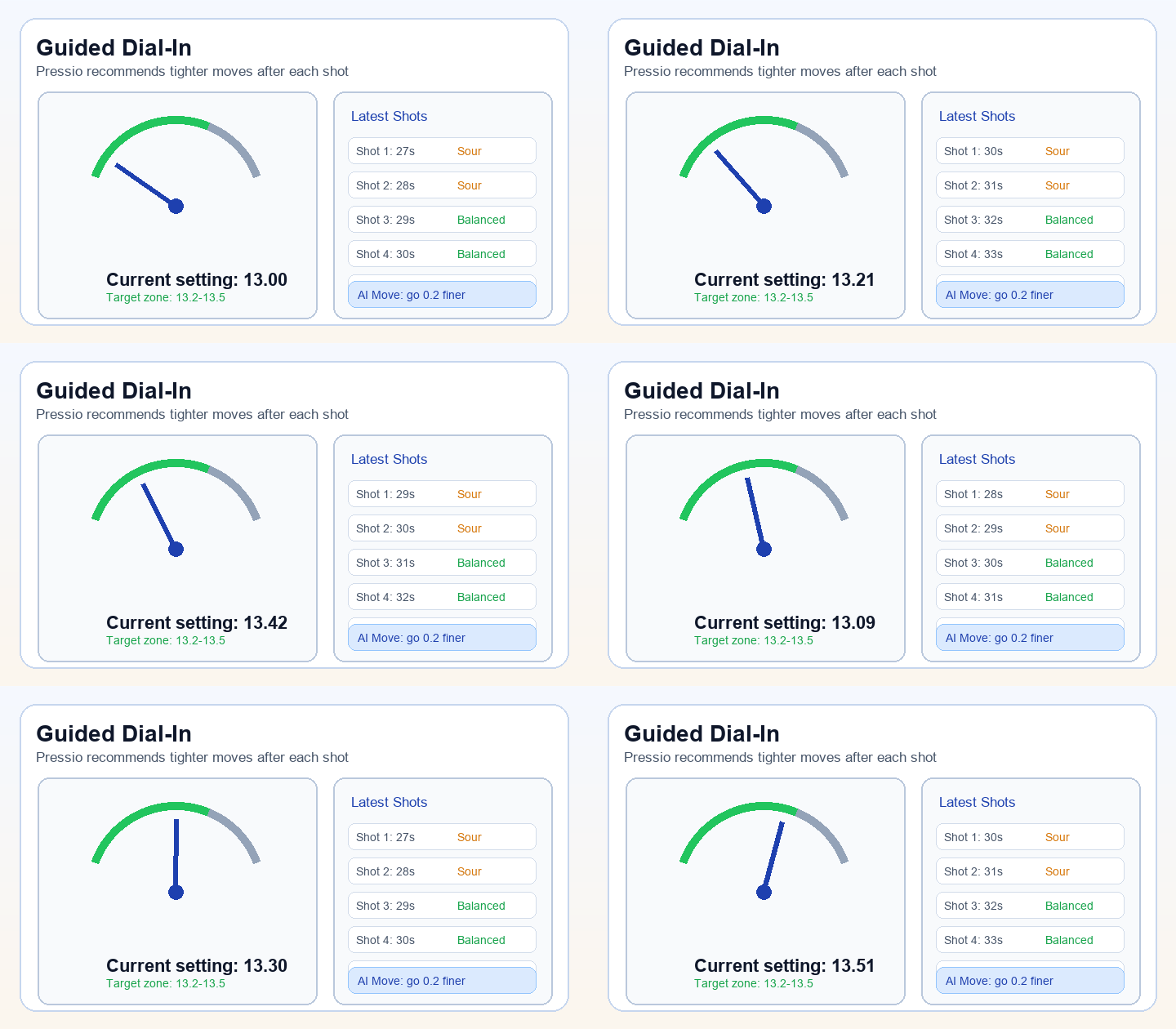
How DialIQ learns
The model does not just nudge a grind number. It watches how your brew history settles and trims the recommendation down to the move that actually matters.
1
Start from your real setup
Pressio anchors the recommendation to the actual grinder, bean, and method already in your profile — not a generic starting point.
2
Read the last cup
Shot time, yield, taste direction, and follow-up outcomes show whether the next move should be finer, coarser, or held steady.
3
Keep the step size sane
Community data and grinder intelligence keep the adjustment tight enough to be useful and safe enough to trust on the next shot.
4
Save the stable pattern
When the recipe clicks, Pressio stores the playbook so the next bag can inherit the win without starting from scratch.
What feeds the recommendation
Four distinct data sources combine before each adjustment. The more you brew, the more weight your personal signal carries.
Shot history
Recent espresso or manual brews create the starting point for every next adjustment.
Bean context
Roast level, age, process method, and BeanIQ scan cues shape the recommendation before the first number appears.
Grinder profile
Pressio knows whether the grinder is stepped or stepless, which direction is finer, and how its scale should be interpreted.
Learning profiles
The more you brew, the more the model learns your preferred correction size, taste direction, and grinder response.
Confidence grows with evidence
Pressio gets more opinionated as it accumulates real data from your sessions. Early recommendations lean on community guardrails; later ones lean on your own history.
Sessions 1 – 3
Establishes a baseline from the grinder and bean profile. Community guardrails keep the range conservative while personal data is thin.
Sessions 4 – 10
Pressio begins identifying your usual drift pattern and the correction size that tends to land well for your palate.
Sessions 10+
Recommendations lean on your own trend history and validated playbooks. Community data steps back to a weak fallback.
Advanced brewer mode
When you want deeper detail, advanced mode surfaces timing, ratio, and temperature controls without changing the main flow.
Recommendation confidence over time
As Pressio accumulates evidence from your sessions, the adjustment range narrows and the recommendation becomes more specific to your setup.
Sessions 1–3
22%
Sessions 4–10
55%
Sessions 10+
82%
Playbook hit
96%
17.5
DialIQ vs. a static extraction chart
Generic extraction charts give every brewer the same starting point. DialIQ gives you one calibrated to your grinder, your beans, and your history.
Generic extraction chart
- One range for every grinder, roast level, and brewer.
- No memory of what has already worked for you.
- Cannot distinguish a temporary drift from a real setup problem.
Pressio DialIQ
- Per-user, per-grinder, per-bean recommendation loop.
- Smaller, safer next steps that stay readable and actionable.
- Playbooks and history keep winning setups from disappearing between bags.
Ready to tighten the dial-in loop?
Start with the current grinder, log a few real shots, and let the memory build. DialIQ gets more specific without asking you to change the way you already brew.