
Phone photo handoff into a roaster-linked bean profile
BeanIQ gives the bean a real profile before the first brew.
Capture a clear photo on your phone, send it back to desktop, and let Pressio estimate roast cues from the image while tying the bag to its roaster, freshness window, and future brew history.
Phone handoff
Bean scan
Roaster catalog
Freshness
Inventory
BrewBase
Beans
Espresso
History
Chat
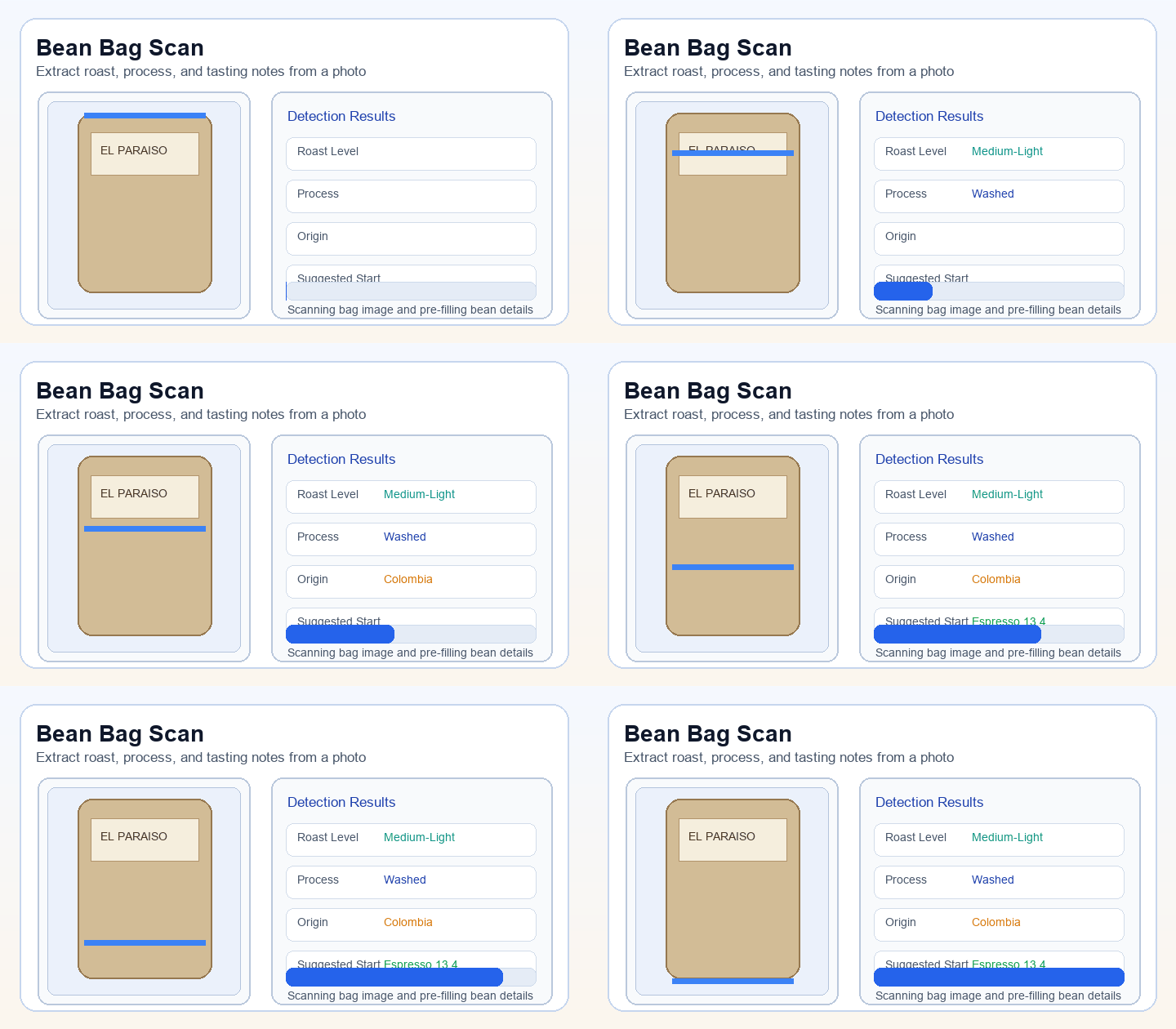
What BeanIQ reads from the photo
The goal is not computer vision theater. The goal is to start brewing with more useful context than a bag label alone can provide.
Roast development
Color depth and overall roast darkness help shape the first grind setting and the likely extraction window before any shots are pulled.
Surface details
Oiliness, texture, and consistency create better context for how the bean may behave in the grinder and in the cup.
Batch outliers
If a bag looks darker, shinier, or less consistent than expected, BeanIQ can flag it before the brew goes sideways.
The phone-to-desktop handoff
BeanIQ is designed to close the gap between where you take the photo and where you do the brewing, without making you restart your workflow.
Custom handoff preview
Capture on the counter, review on the bigger screen, and keep the bean identity intact all the way into the next brew recommendation.
Camera
Scan mode
Medium-Dark
Low oil
Consistent
The photo uploads directly into your open Pressio session on desktop.
→
Bean profile — Pressio
Name
Seasonal Espresso Blend
Roaster
Heart Coffee Roasters
Roast
Medium-Dark · Washed
Roasted
6 days ago · Peak window
Roast level
Medium-dark, consistent color throughout
Surface
Low oiliness, dry texture
1
Capture on phone
Take the bean photo where it is easiest to get a clean frame and natural lighting.
2
Send to desktop
The upload lands back in Pressio automatically, and the main workflow never has to restart.
3
Edit before saving
The scan output stays editable so you stay in control of the final bean profile.
4
Use it in the next brew
The bean profile then feeds DialIQ, chat, history, and any saved playbook tied to that bag.
What lives on the bean profile
A bean is not just a note. It is an object with identity, context, and history — and every brew can stay connected to it.
Core bean data
- Name, roaster, and direct roaster link
- Roast level, process method, and decaf status
- Roast date, freshness window, and inventory remaining
- Scan history for future batches of the same coffee
Connected to every brew
Every session stays linked to the bean that produced it. A new bag of the same coffee does not need to start from scratch — previous playbooks and dial-in notes carry over.
Roaster discovery is part of the story
The bean profile is connected to the roaster ecosystem — making the product more accurate on first use and easier to restock over time.
Find nearby roasters
Search local specialty roasters, save favorites, and keep the source of the bean close to the brew history.
Open the catalog
Pressio can fetch a roaster website so reordering the same bag does not require a separate hunt outside the app.
Retrievable across sessions
Once a bean is attached to a roaster, future dial-in sessions and reorder decisions stay linked to the same source — across bags and over time.
Start with the bean, then let the brew flow take over.
BeanIQ gives the rest of Pressio better starting context. The bean becomes visible, the roaster stays attached, and DialIQ gets a smarter first move.