
TasteIQ + FreshIQ — the history layer
TasteIQ turns brew history into something you can actually brew from.
Pressio logs espresso and manual brews, spots trends, warns on drift, and feeds the same history into AI chat, playbooks, and learning profiles. The result is a logbook that behaves like part of the product — not a passive record you have to interpret on your own.
Drift alerts
History-aware chat
Playbooks
Learning profiles
All brew methods
BrewBase
Beans
Espresso
History
Chat
What gets tracked on every brew
The logbook only works if the capture flow is fast enough to use on every session — not just when you feel like documenting.
Espresso
Dose, yield, extraction time, puck prep, taste balance, and the exact grinder setting that produced the shot.
Manual brews
Pour over, drip, AeroPress, and French press each track the variables that matter for that method, not a forced single schema.
Context
Bean, grinder, and recommendation context all stay attached so history search can answer a real brewing question later.
How history becomes a decision
The point of the logbook is not record keeping. It is making the next cup easier to understand before you pull the shot.
1
Log the brew
Capture the basic recipe plus the taste direction so the session can actually be compared against later ones.
2
Compare the trend
Pressio looks across recent sessions to see whether the signal is moving sour, bitter, or stable.
3
Catch drift early
If the trend diverges from the established baseline, the app surfaces a specific correction — not a vague warning.
4
Save the baseline
When the recipe stabilizes, Pressio saves the setup as a playbook for the next bag of the same bean.
Trends that mean something
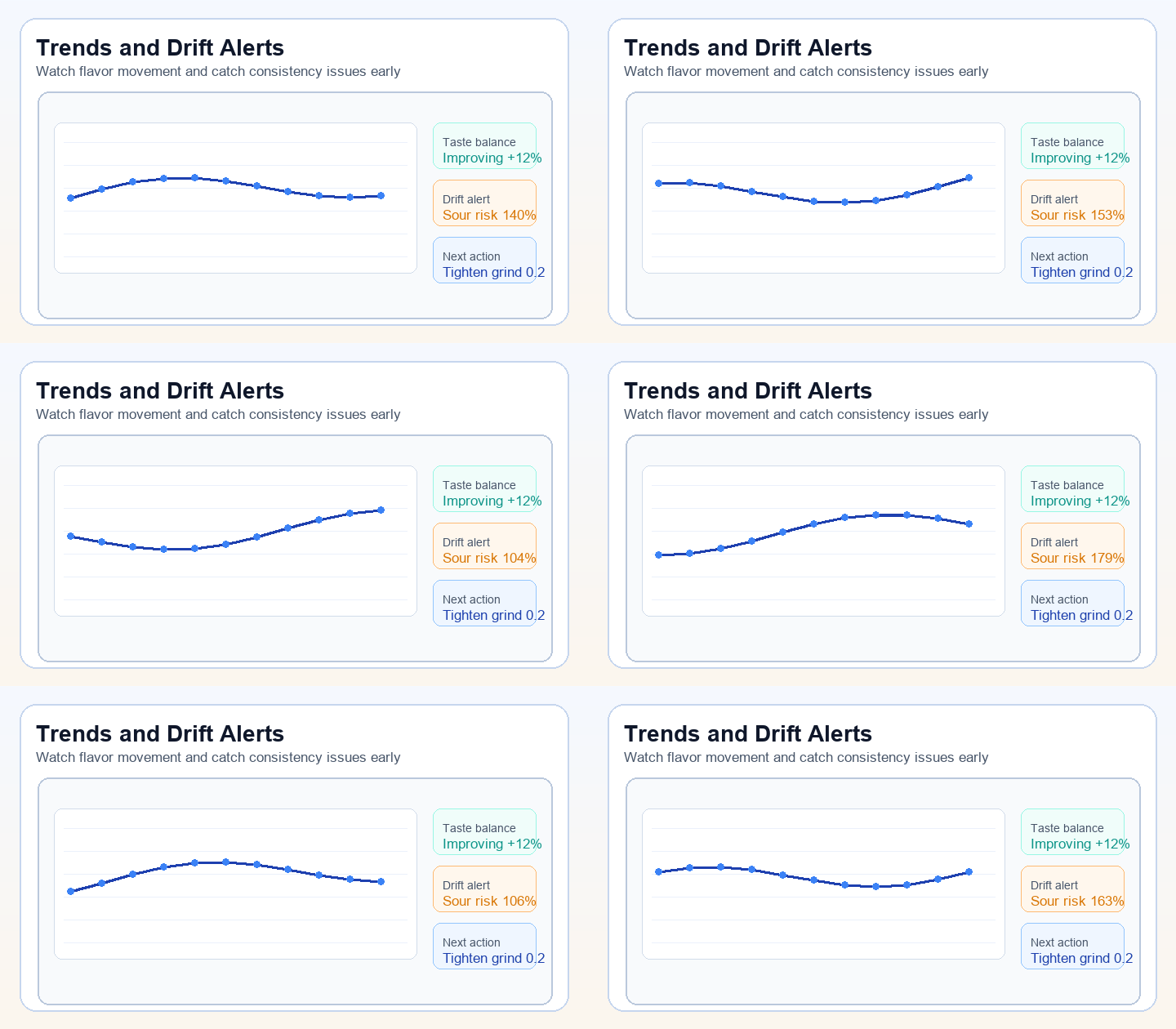
TasteIQ reads across your recent sessions and surfaces the signal behind the noise — so you can act on a real pattern, not a single bad shot.
Drift detection in context
Pressio tracks your extraction trend across recent sessions and flags when the signal is drifting away from your established baseline — before the issue compounds into a hard reset.
Drift detected
+0.3
Avg. time drift (sessions 8-12)
Sour
Dominant taste direction
Finer
Suggested correction direction
Freshness window tracking
FreshIQ tracks days since roast alongside your brew history so you can see how a bean performs across its freshness arc — and know when it is time to restock.
Days 4 – 10 — Peak extraction window
CO₂ degassing stabilizes. Grind setting tends to hold steady through this window.
Days 11 – 21 — Primary brew window
Most single-origin and blend espressos perform consistently here. Slight coarser drift possible.
Days 21+ — Staleness onset
FreshIQ flags the bag and surfaces a prompt to reorder before flavor degrades further.
Where the logbook feeds the rest of Pressio
The history layer is not isolated. It powers chat, dial-in recommendations, freshness alerts, and the home screen summary simultaneously.
History-aware AI chat
Chat responds with the current bean, the latest shots, and the most recent correction — instead of starting from a blank context each time.
Learning profiles
Pressio maintains a personal model of what usually works for your palate and your grinder, making recommendations more specific over time.
Playbooks
When a setup settles, the winning settings stay saved and available the next time that bean shows up — regardless of how long ago you last brewed it.
Advanced brewer mode
The deeper temperature, ratio, and timing controls stay close to the logbook so advanced adjustments remain tied to actual brew history.
Keep brewing, keep learning.
Open Pressio, log a shot, and let the history layer work for you. TasteIQ keeps the loop honest so each next brew starts from a better place.